Pi: The Minimal Agent Harness That Lets You Own Your Coding Workflow

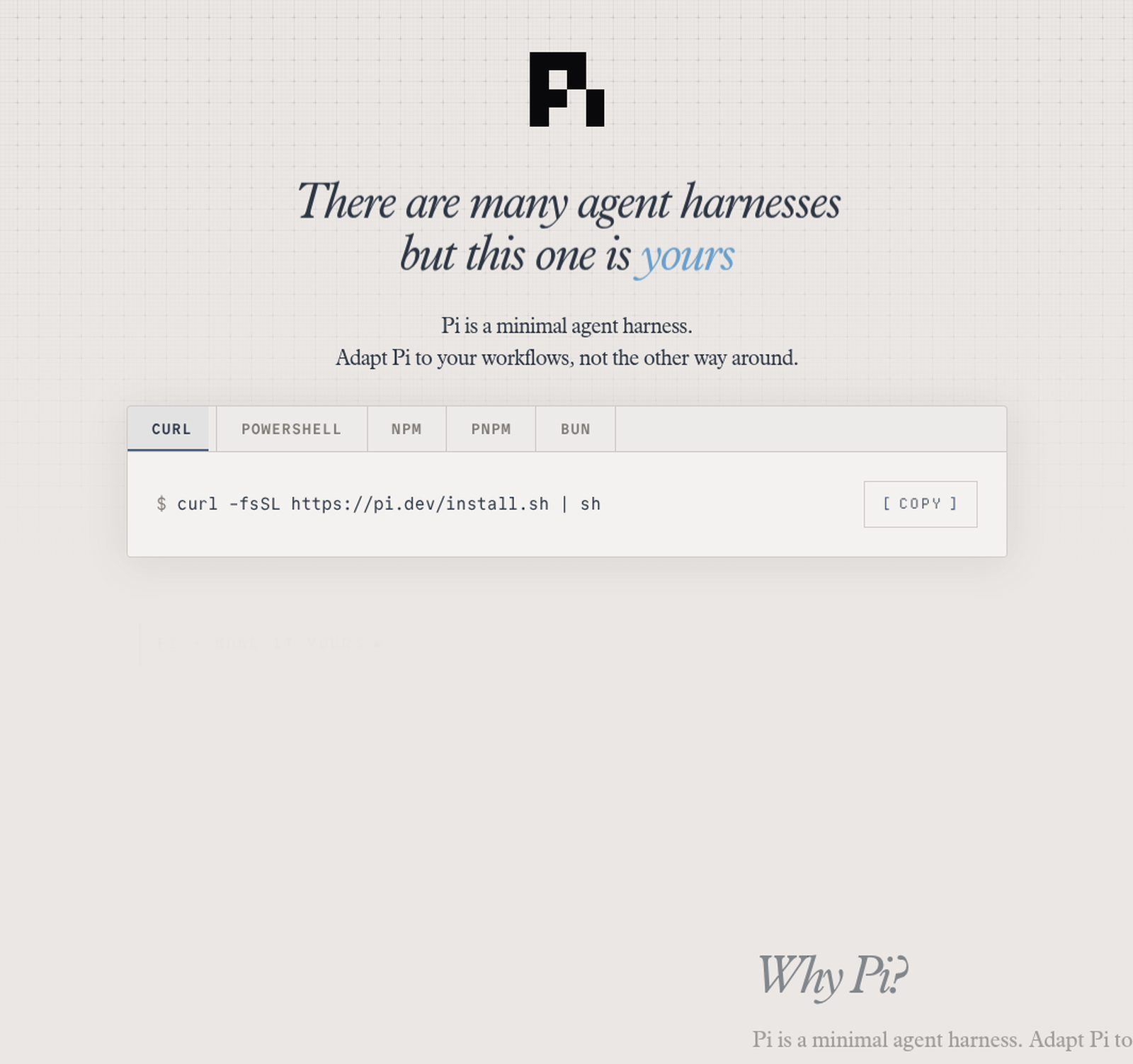
Every few months, the agent space produces a new "default" — a tool that everyone installs, that becomes the baseline against which everything else is measured. Claude Code was one. OpenCode was another. And right now, the terminal is filling up with a third: Pi, the minimal agent harness by Mario Zechner — the same Mario Zechner who created libGDX, the game development framework that powered more indie mobile games than almost anything else in the last decade.
Pi is not trying to be the most feature-complete agent on the market. It's trying to be the smallest one that you can bend to your will. That's a very different design philosophy — and it's precisely why it crossed 85,000 GitHub stars in its first year and why companies like Shopify and Databricks are quietly publishing case studies about it.
This article is a technical walkthrough: what Pi actually is, how it's architected, how it compares to Claude Code, OpenCode, Cursor and the rest, and how to get it running in ten minutes — with the official GitHub as your reference throughout.
Quick Technical Summary
Pi is an AI agent toolkit distributed as a monorepo under github.com/earendil-works/pi. It provides a unified LLM API, an agent runtime, and an interactive coding agent CLI that runs in the terminal. Everything is written in TypeScript, licensed MIT, and published on npm under @earendil-works/pi-coding-agent.
At its core, Pi is deliberately minimal: it ships the agent loop, tool calling, session management, and a terminal UI — and skips features that other agents bake in, like sub-agents and plan mode. Instead, it exposes extensions (TypeScript modules), skills, prompt templates, and themes as primitives, and lets you — or the community — build the rest. The tagline says it all: "Adapt Pi to your workflows, not the other way around."
The Architecture: Five Packages, One Philosophy
Pi isn't a single binary — it's a toolkit split into focused packages, each of which can be used independently. From the official README:
@earendil-works/pi-ai— the unified multi-provider LLM API. One interface for OpenAI, Anthropic, Google, and 15+ other providers.@earendil-works/pi-agent-core— the agent runtime: tool calling, state management, the loop itself.@earendil-works/pi-coding-agent— the interactive coding agent CLI you install and run aspi.@earendil-works/pi-tui— the terminal UI library with differential rendering.@earendil-works/pi-telemetry— vendor-neutral telemetry contracts and typed schemas.
That separation matters. Most coding agents are a sealed product: loop, tools, UI, and provider integrations welded together. Pi treats each layer as an independent, reusable component. If you want to build a product on top of an agent loop — the way OpenClaw did early on, embedding Pi via its SDK — you can take the agent core and leave the CLI behind entirely.
What Makes Pi Different
1. Context engineering as a first-class feature
Pi's system prompt is intentionally minimal, and the project frames context management as something you control, not something that happens to you. It loads AGENTS.md project instructions from ~/.pi/agent/, parent directories, and the current directory. You can replace or extend the system prompt per-project with SYSTEM.md. Compaction — auto-summarizing older messages near the context limit — is fully customizable via extensions, down to using a different summarization model. And skills load capabilities on demand: instructions and tools that appear only when needed, without busting the prompt cache. This is the kind of control that teams doing serious context engineering actually want.
2. Extensions are TypeScript, not a DSL
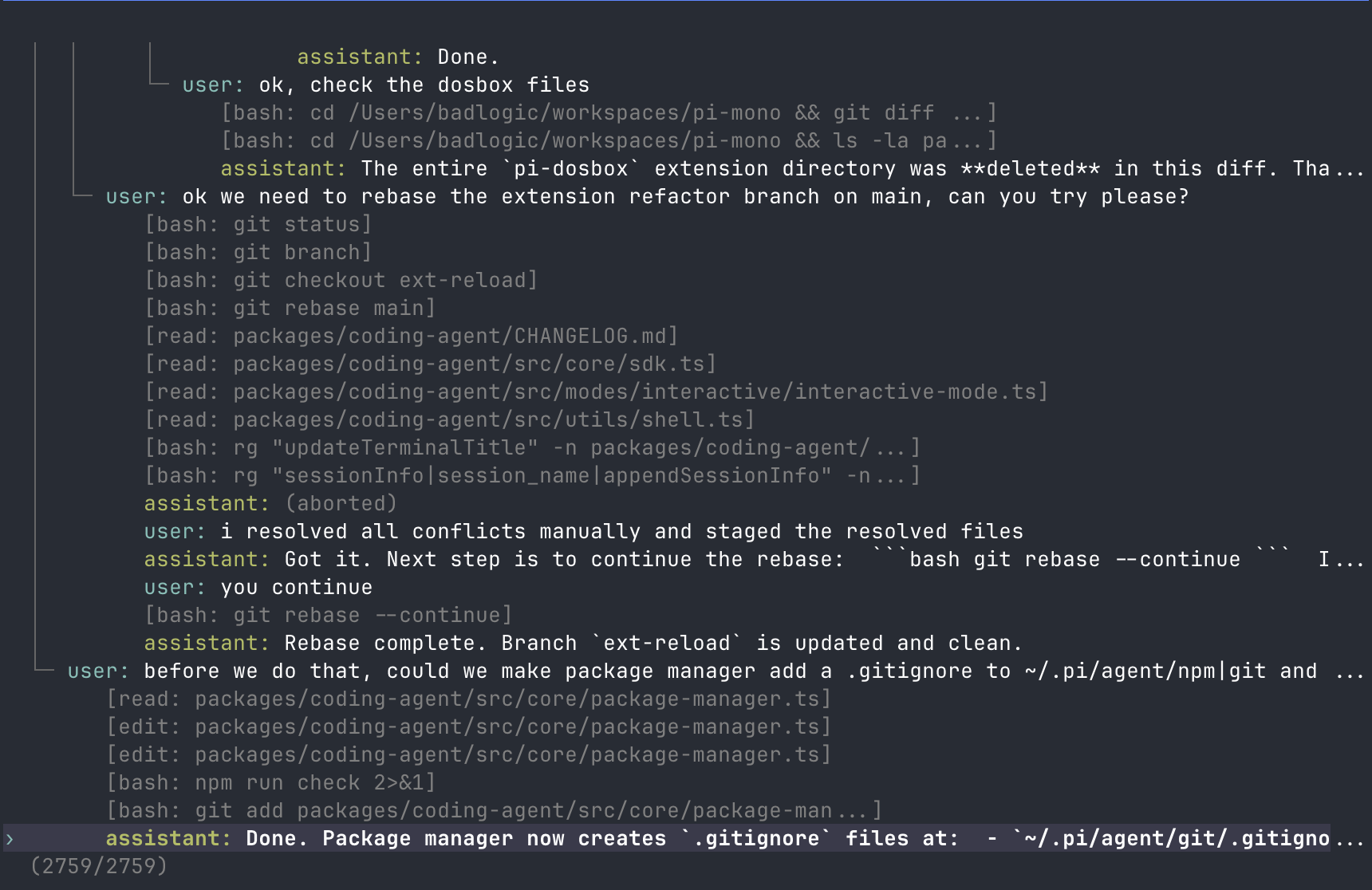
Extensions in Pi are plain TypeScript modules with access to tools, commands, keyboard shortcuts, events, and the TUI itself. The repo ships 50+ examples covering exactly the features Pi deliberately omits: sub-agents, plan mode, permission gates, path protection, SSH execution, sandboxing, MCP integration, custom editors, status bars. If you need a command, tool, provider, or workflow tweak, you can ask Pi to build it — it can modify itself in place, then you hit /reload and keep going.
Pi packages bundle extensions, skills, prompts, and themes for sharing, installed from npm or git:
pi install npm:@foo/pi-tools
pi install git:github.com/badlogic/pi-doom
3. Tree-structured sessions
Session history in Pi is stored as a tree, not a linear transcript. /tree lets you navigate to any previous point and continue from there — branch, experiment, come back. All branches live in a single file. You can export sessions to HTML with /export, or share them as a rendered GitHub gist with /share. For debugging long agent runs, or for publishing OSS session data (which the project actively encourages), this is a genuine step beyond the linear chat history most agents keep.
4. Four runtime modes
Pi isn't just an interactive TUI. It runs in four modes: interactive; print/JSON (pi -p "query" for scripts, --mode json for event streams); RPC over stdin/stdout for non-Node integrations; and a full SDK for embedding in applications. That last one is why OpenClaw — Peter Steinberger\'s open-source agent platform — was built on Pi\'s SDK in its early days, before its runtime was internalized (today only Pi\'s terminal toolkit remains as a dependency).
Pi vs. The Competition
The agent harness landscape is crowded, so let's be precise about where Pi fits. The closest comparators are the terminal-native and IDE-native agents you're already using or evaluating:
| Tool | Philosophy | Extensibility | Providers | Best for |
|---|---|---|---|---|
| Pi | Minimal harness, you own it | TypeScript extensions, skills, packages | 15+ (Anthropic, OpenAI, Google, Ollama, …) | Custom workflows, context engineering, embedding |
| Claude Code | Sealed, polished UX | Limited (CLI flags, some hooks) | Anthropic (and gateways) | Time-to-first-success, daily flow, Anthropic models |
| OpenCode | Open-source, batteries-included | Plugins/config, no in-place self-modification | Many (BYO key) | Open-source teams wanting a ready CLI |
| Cursor | IDE-native agent | Rules, in-editor | Proprietary + BYO | Editor-centric workflows |
| Codex (OpenAI) | ChatGPT-integrated | Limited | OpenAI | ChatGPT Plus/Pro subscribers |
| Gemini CLI | Free, Google-native | Config-based | Zero-cost entry, Gemini models |
The honest way to read this table: Claude Code optimizes the first five minutes; Pi optimizes the next five thousand. If you want an agent that just works in your editor today, Claude Code or Cursor will get you there faster. If you want to own the harness — build your own verification loops, inject your own context, embed an agent in your product — Pi gives you the primitives to do it, and the community packages to avoid starting from zero.
And the performance story is increasingly public. Databricks' internal benchmark on their multi-million-line codebase — reported by ExplainX in August 2026 — found Pi had the highest pass rate of any harness tested on Opus 4.8 at xhigh effort, at significantly lower cost than Claude Code and Codex, largely because Pi sends roughly 3x less context per turn. Shopify, meanwhile, built pi-autoresearch — an autonomous optimization loop — directly as a Pi extension, reporting unit tests running 300x faster in their setup. Both are external validations of the minimalism thesis: less context, fewer tokens, more focused runs.
Installing Pi in Ten Minutes
Installation is documented in the official repo and on pi.dev/docs. Pi is distributed as an npm package — install it globally:
npm install -g --ignore-scripts @earendil-works/pi-coding-agentThe --ignore-scripts flag disables dependency lifecycle scripts during install — Pi doesn't require them for normal installs, and it's a good security habit. On Linux or macOS, you can use the official installer instead:
curl -fsSL https://pi.dev/install.sh | shThen simply start it in the project directory you want it to work on:
cd /path/to/project
pi
Authentication depends on your provider. For subscription providers, run /login inside Pi and pick one — built-in subscription logins include Claude Pro/Max, ChatGPT Plus/Pro (Codex), and GitHub Copilot. For API-key providers, set the environment variable before launching, or use /login to store it in ~/.pi/agent/auth.json:
export ANTHROPIC_API_KEY=sk-ant-...
pi
To uninstall, use the package manager that installed it:
npm uninstall -g @earendil-works/pi-coding-agentNote that uninstalling leaves your settings, credentials, sessions, and installed packages in ~/.pi/agent/ — so reinstall and you're right back where you were.
One important caveat, straight from the README: Pi does not include a built-in permission system for restricting filesystem, process, network, or credential access. By default it runs with the permissions of the user that launched it. If you need stronger boundaries, the project documents three containerization patterns — Gondolin (keep Pi and provider auth on the host, route built-in tools into a local micro-VM), plain Docker, and OpenShell (a policy-controlled sandbox). This is a deliberate design choice: boundaries are the kind of thing you should own, not inherit.
Should You Switch?
Pi is not a drop-in replacement for Claude Code, and it doesn't want to be. It's a different category of tool: a harness you adapt, not a product you adopt. The right question isn't "is Pi better than Claude Code?" — it's "do I want to own my agent loop, or rent one?"
If your answer is the former — if you've ever found yourself fighting a tool's opinions, wanting a custom context pipeline, or building something that needs an embedded agent — Pi is worth your next weekend. The GitHub repo (earendil-works/pi), the docs at pi.dev, and the 50+ extension examples are all there, and the community around it is growing fast enough that the tool you need probably already exists as a package.
After all, the point of a harness isn't to do the work for you. It's to let you do the work your way.
📎 Related reading: opencode vs Claude Code — a hands-on comparison · Context engineering for AI agents